
Contractors Cloud Integrates Seamlessly with QuickBooks
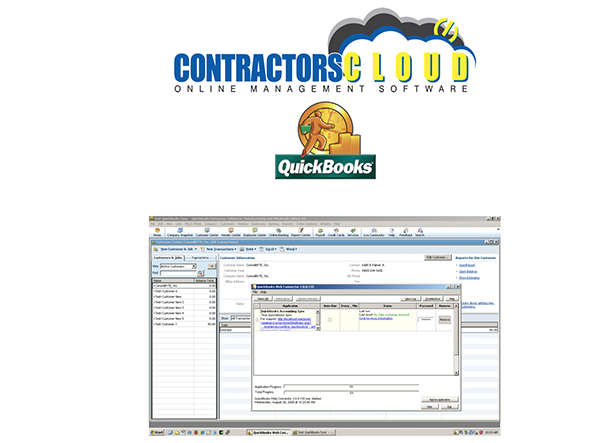
All information gets entered into Contractor's Cloud first, then it gets pushed to QuickBooks via Intuit's Web Connector.
The QuickBooks integration is packed full of customization. You can choose to only sync projects after a certain date (very useful in maintaining a clean file), sync automatically or by push button, or choose what functions you want to sync (i.e. invoices, payments, bills, credit memos, etc.).
The following can be imported from Contractor's Cloud to QuickBooks:
- Customers
- Customer Jobs
- Invoices
- Payments
- Expenses
- Vendors
- Invoice Items
You are able to customize syncing parameters for your service items, vendors, and classes. There are also built-in tools to ensure you are maintaining the cleanest QuickBooks file.
Download the QuickBooks integration how-to guide to get started today.
Recommended For You

RoofersCoffeeShop® Welcomes Carroll Consulting Group!
Read More ...
RoofersCoffeeShop® heads to Florida
Read More ...
RoofersCoffeeShop® Welcomes Metal Construction Association
Read More ...
UP TO THE MINUTE






Comments
Leave a Reply
Have an account? Login to leave a comment!
Sign In